
Brainstorm
Brainstorm is a native macOS mind-map editor for turning rough ideas into clear, editable plans. It combines a fast keyboard-first canvas with rich node styling, media, themes, file-based workflows, and a JSON-first CLI that AI agents can use to create, edit, validate, and export the same maps.
New: share pixel-perfect mind maps as HTML
Export any map as one self-contained, read-only vector HTML viewer—not a screenshot wrapped in browser controls. Brainstorm writes its exact layout positions as real HTML nodes, draws branches and continuous card shapes as inline SVG, and extends the selected theme and 32-point grid across the full browser window. Node-local media, emoji, SF Symbols, manual positions, and collapsed branches remain faithful to the native map. The viewer works offline: drag to pan, zoom beneath the pointer, double-click or press F to fit, press 0 for 100%, and use +/- to zoom. Open it directly or publish the unchanged file on a static host such as GitHub Pages. Publicly hosted maps should be treated as public information.
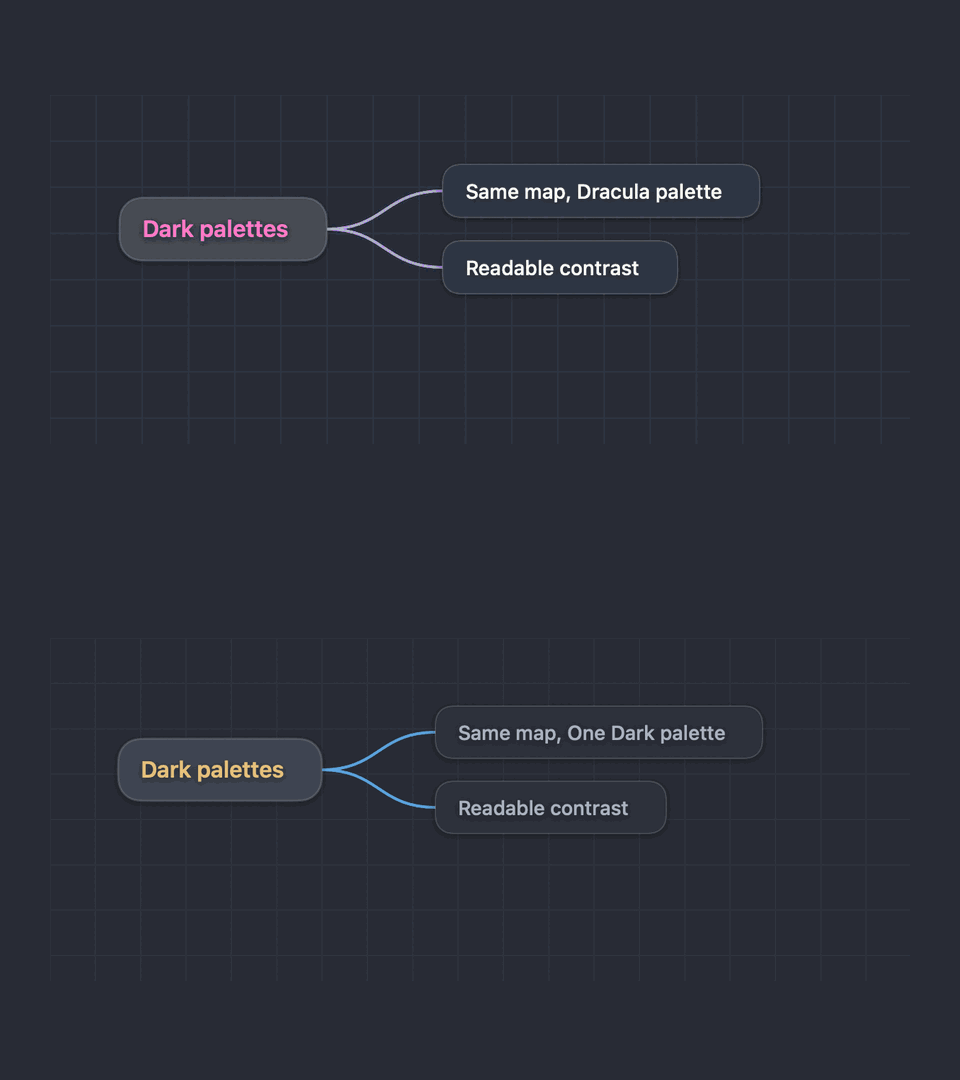
Brainstorm also includes a native Zed Theme Manager for searching the cached registry, moving through results with the arrow keys, and previewing each palette on a real one-root, two-child mind map before importing it. Recent updates added a proper welcome screen, restored the last window size and position for recent files, and kept canvas zoom anchored beneath the mouse pointer.
Installation
Install the native macOS app and CLI with Homebrew:
brew install --cask eugenepyvovarov/cask/brainstormInstall the Brainstorm agent instructions for Codex, Claude Code, and OpenCode directly from GitHub:
npx skills add eugenepyvovarov/brainstormScreenshots
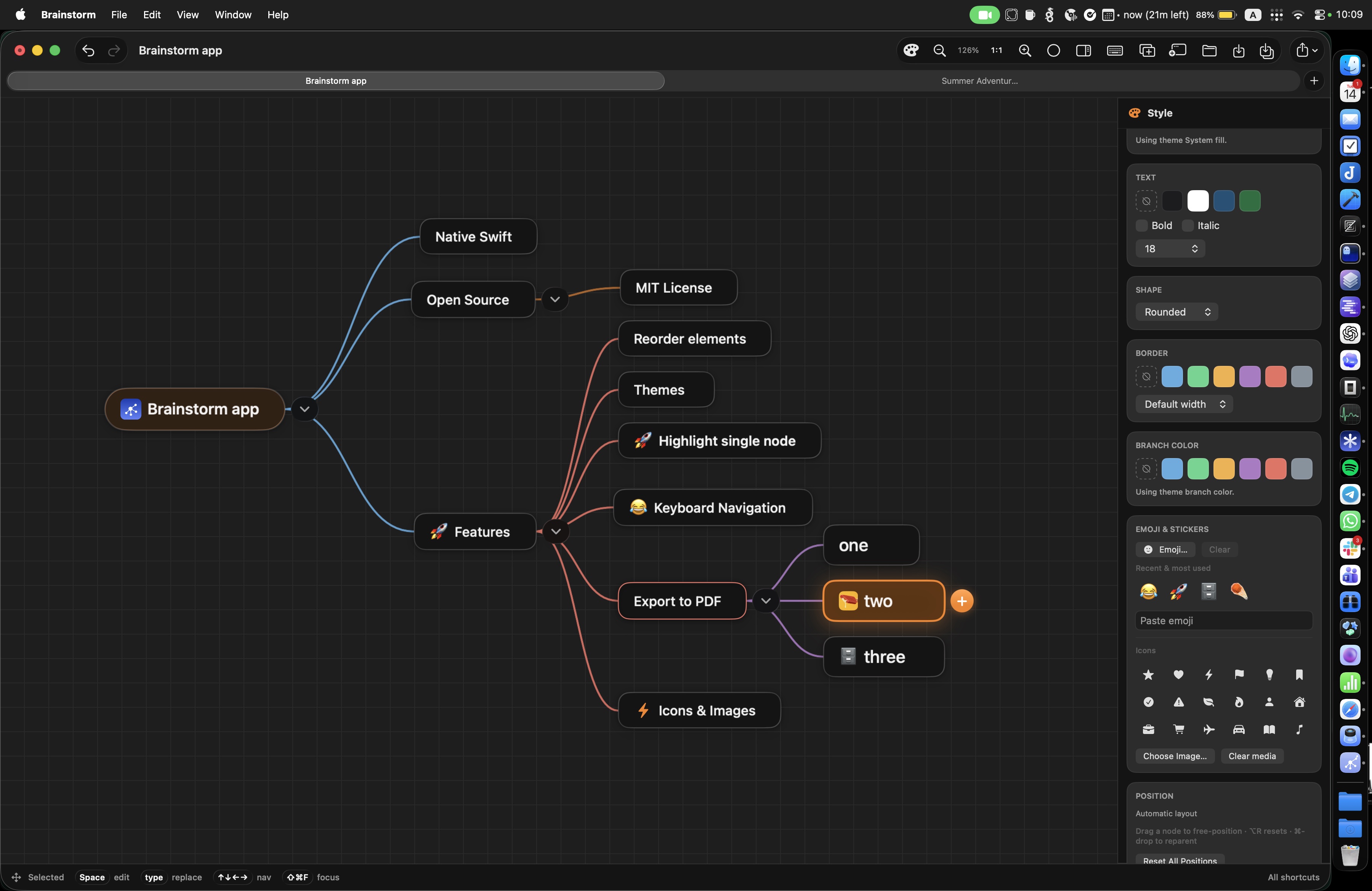
Why Brainstorm
Think visually
A horizontal tree layout keeps the main idea visible while branches expand naturally around it. Focus mode, folding, search, and pointer-anchored zoom help you move from overview to detail, while inspector visibility and focus mode are remembered across launches and files.
Work at keyboard speed
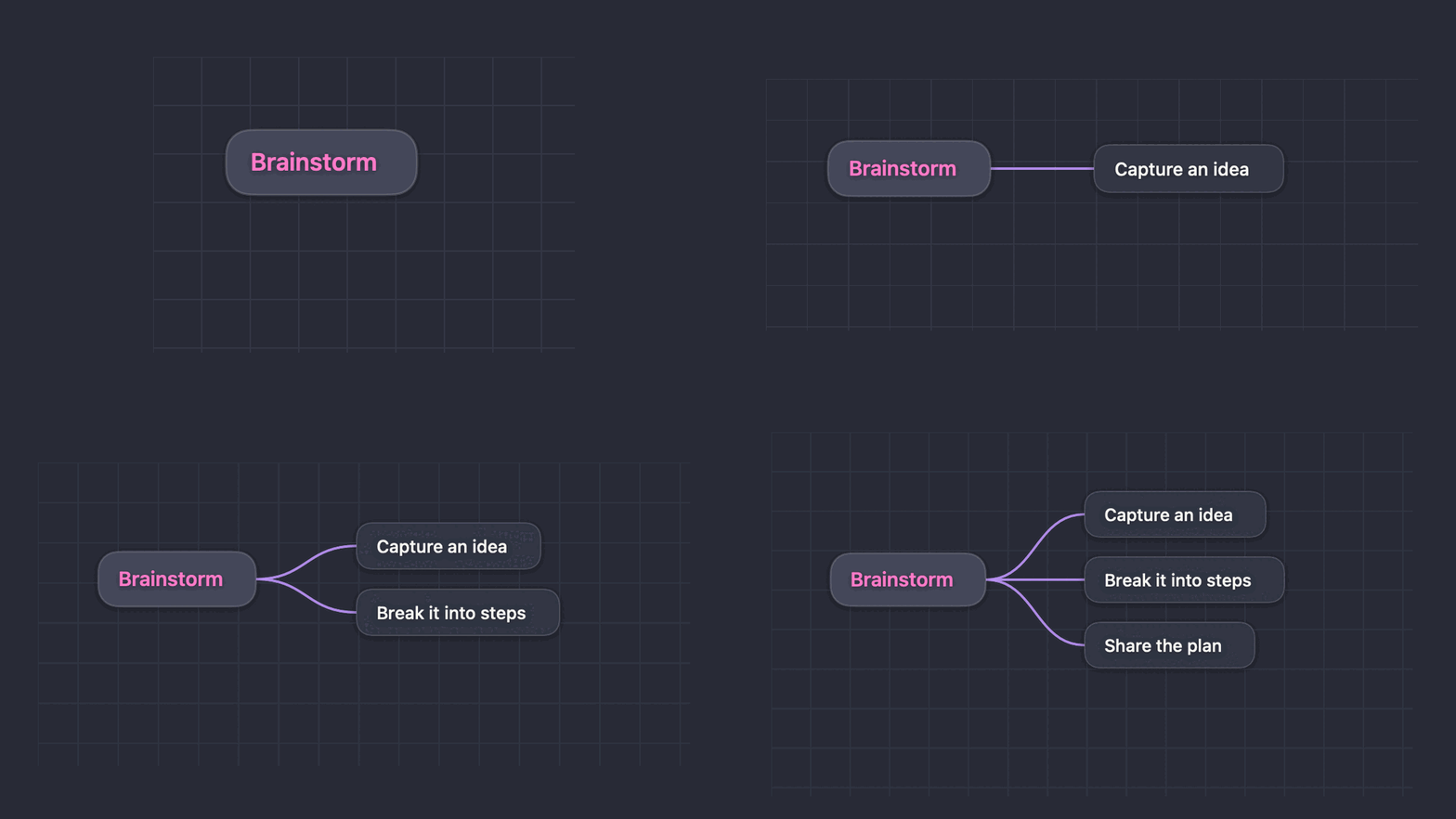
Tab creates a child, Return creates a sibling, and plain arrow keys navigate. Outside title editing, ⌘+Arrow still reorders or changes node depth; while editing, modifier arrows do not change the tree. Space edits the selected title, Ctrl+Left/Right can move by words in the editor, and Ctrl+Up/Down is disabled.
Let agents help
The bundled brainstorm CLI speaks JSON, exposes semantic themes, and edits the same .bs files as the app.
Features
Rich node styling
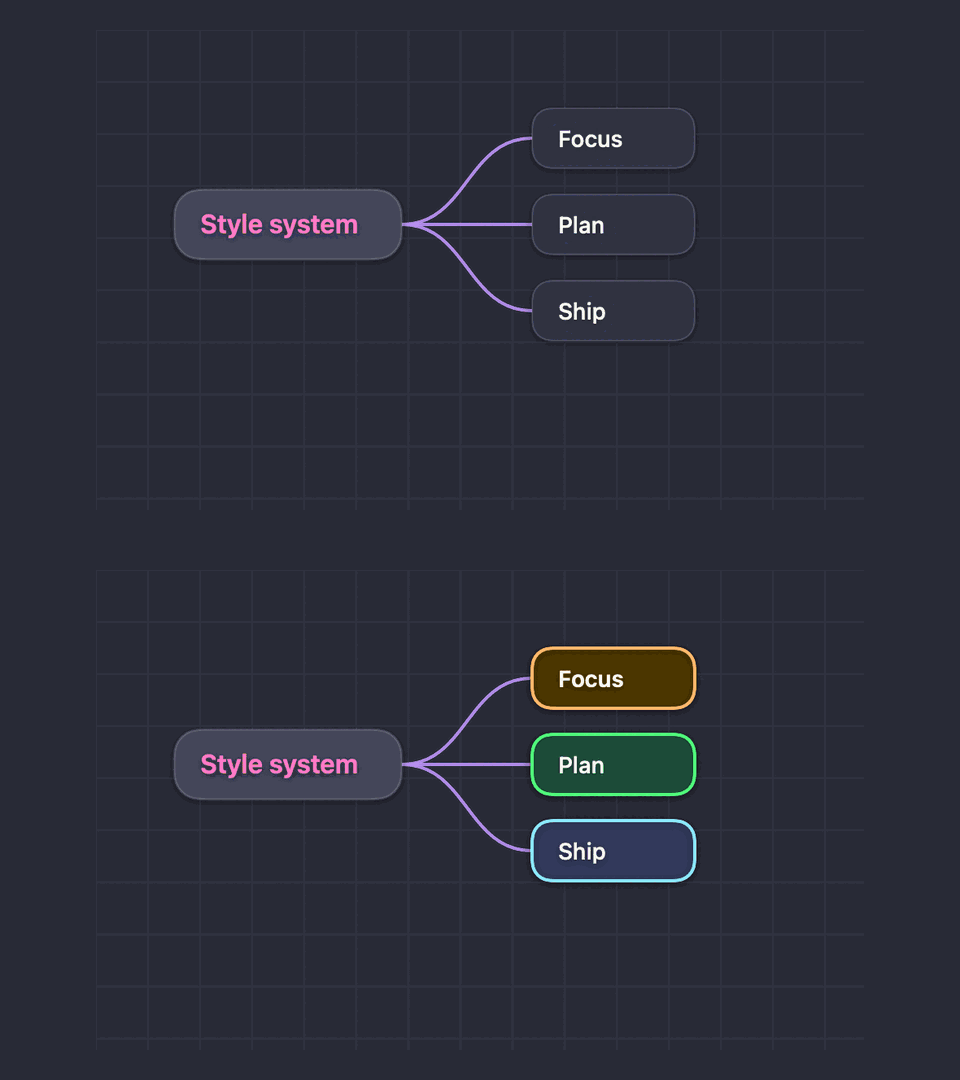
Apply fill, text, branch, and border colors, border width, rounded/capsule/rectangle/diamond shapes, font size, bold, and italic styling. Shift-click nodes to style a whole selection.
Icons and images
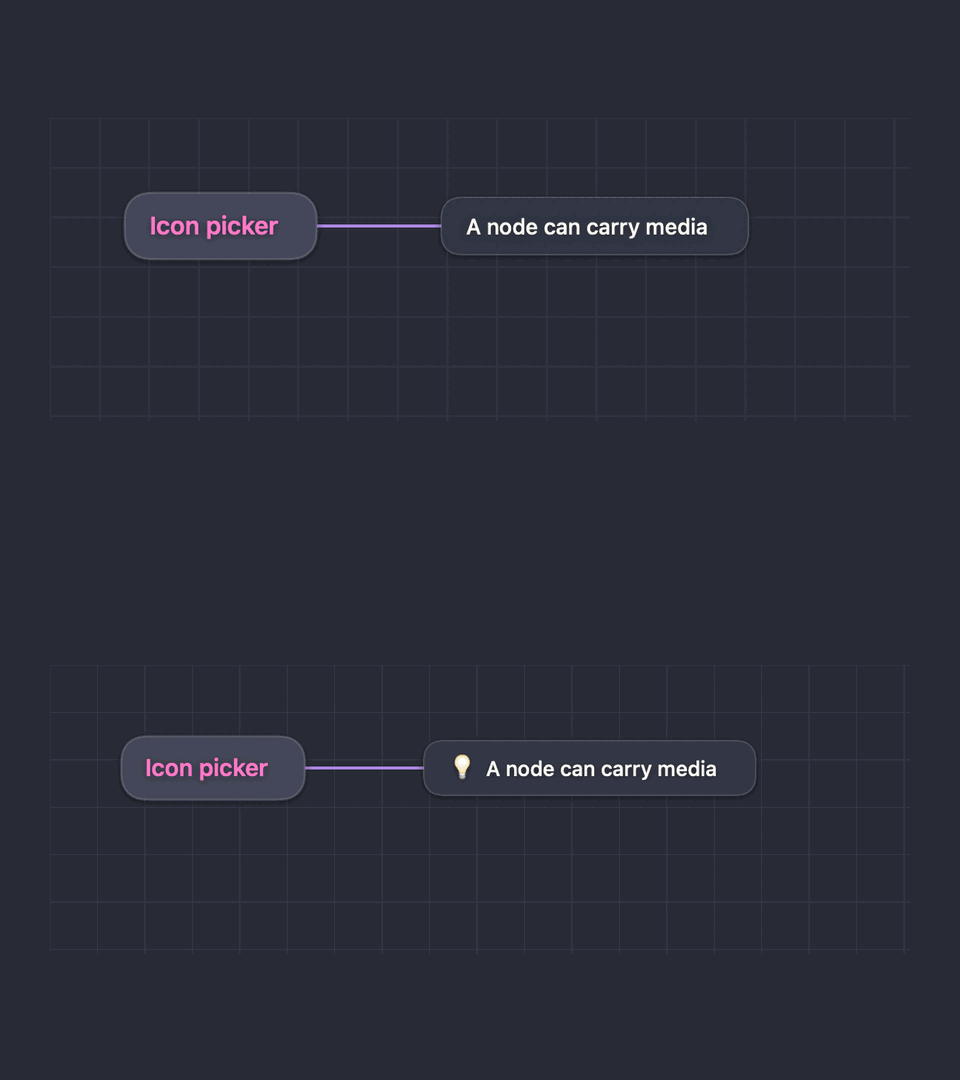
Add emoji, SF Symbol stickers, or image thumbnails directly to a node. Media is embedded in the .bs document.
Themes and visual sharing
Browse, preview, import, and manage native Zed palettes inside Brainstorm, then export a pixel-perfect, self-contained vector HTML viewer or choose Markdown, Mermaid, PDF, PlantUML, or PNG. Every format exports the complete map—not only the viewport—and text exports include children below collapsed nodes.
File-first workflow
Maps are portable, human-readable JSON .bs files. New saves omit empty/default fields while preserving stable IDs, styles, media, and manual positions; autosave, Finder integration, multi-window tabs, safe external-file reload, and remembered inspector/focus preferences keep the app and agent workflows in sync.
Agent CLI
Create, inspect, add, update, style, move, delete, validate, and export maps from scripts or AI agents. Mutations reload the latest file and save atomically; dry runs return JSON without writing.
Built for macOS
A native SwiftUI application with a focused canvas, responsive layout, native document windows, and a custom .bs file type with its own icon.
Example CLI workflow
./brainstorm create plan.bs --title "Product launch"
./brainstorm add plan.bs --parent root --title "Research"
./brainstorm style plan.bs --node <uuid> --fill '#FFAA00' --bold true
./brainstorm inspect plan.bs --flat --pretty
./brainstorm export plan.bs --format html --output plan.html
./brainstorm export plan.bs --format pdf --output plan.pdf
./brainstorm export plan.bs --format markdown --output plan.md
./brainstorm export plan.bs --format mermaid --output plan.mmd
./brainstorm export plan.bs --format plantuml --output plan.puml
./brainstorm export plan.bs --format markdown --output -
FAQ
Can I edit the same map from Brainstorm and an AI agent?
Yes. The app and CLI use the same .bs file, detect external changes, reload clean documents automatically, write a recovery autosave after each completed edit, and protect unsaved edits.
What is the difference between reordering nodes and moving them visually?
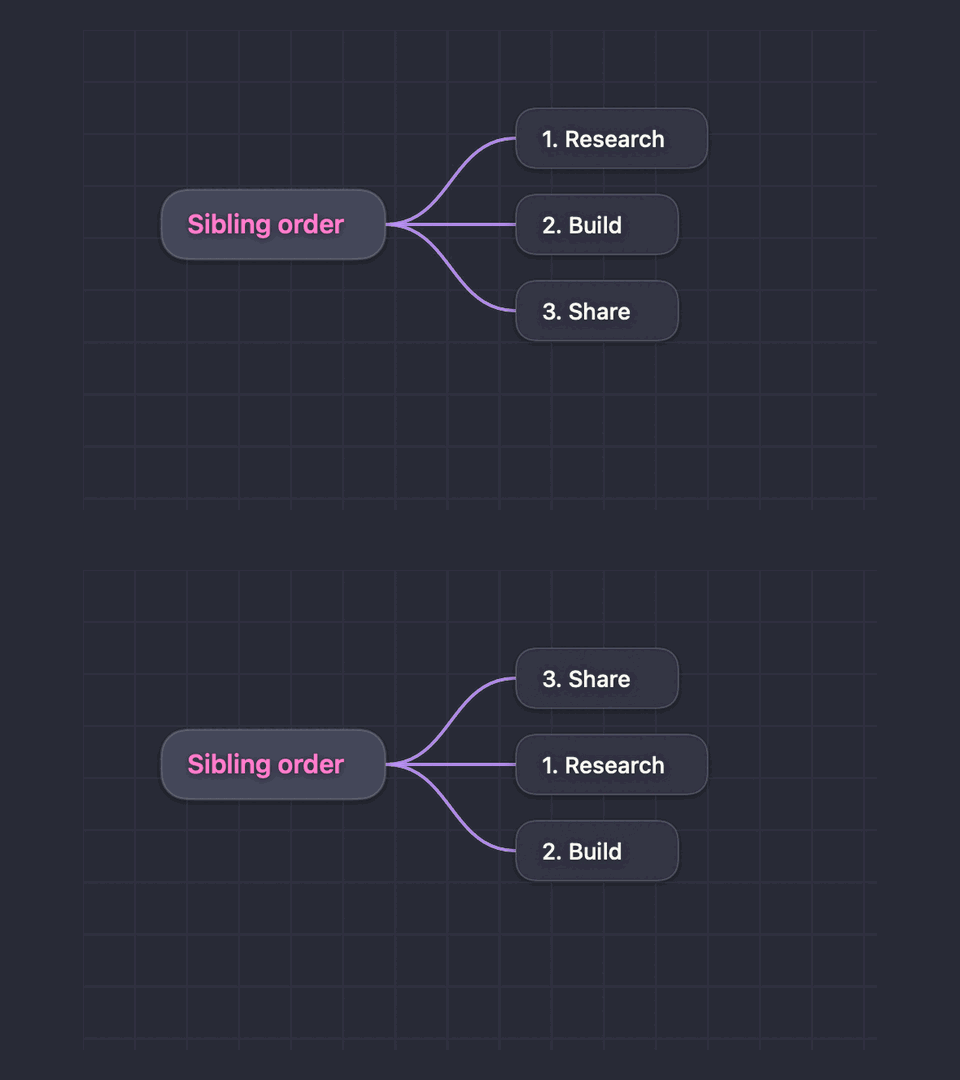
Sibling dragging changes the logical order; dropping a node directly onto another node asks for confirmation before changing its parent; free-positioning changes only the visual layout. This lets you preserve structure while designing the canvas manually.
Can I style many nodes without changing them one by one?
Yes. Shift-click nodes, then apply colors, borders, fonts, shapes, bold, or italic styling to the selection.
Does export include the whole map or only what I see?
Every export includes the complete map. HTML, PNG, and PDF are independent of zoom and viewport; Markdown, Mermaid, and PlantUML also include every descendant below collapsed nodes. Markdown repeats the root as both an # heading and the top-level bullet.
How can I share a map for free?
Export an HTML Viewer and open the resulting file locally or upload it unchanged to a static host such as GitHub Pages. The file has no remote dependencies and does not include editable .bs source data, but it does contain the complete visible map as real vector/HTML content, so a publicly hosted viewer should be treated as public.
Can the CLI export directly to another command?
Yes. Pass --output - with HTML, PNG, PDF, Markdown, Mermaid, or PlantUML to stream the raw export to stdout without a JSON envelope. Text can be piped directly; redirect HTML/PNG/PDF output to a file or binary-safe consumer.
Is Brainstorm open source, and how can I install it?
Yes. Brainstorm’s source code and releases are available on GitHub. Install the macOS app and CLI with brew install --cask eugenepyvovarov/cask/brainstorm, or install the agent instructions with npx skills add eugenepyvovarov/brainstorm.
See it in action
These compact demos show the same .bs-file workflow behind the app and its agent CLI, rendered with a Dracula-inspired dark palette and consistent 16:9 framing.
Brainstorm is part of the Selfhosted Ninja project collection. See source code and releases on GitHub, all projects, and project updates.